Shopper notifications
Review the transactional emails Bolt sends subscribers for subscription events.
Bolt sends the shopper a transactional email at each step of the subscription lifecycle:
| When Bolt sends it | |
|---|---|
| Subscription created | The shopper completes checkout. |
| Renewal reminder | Before each renewal, on your reminder lead days, once you turn on renewal reminders. |
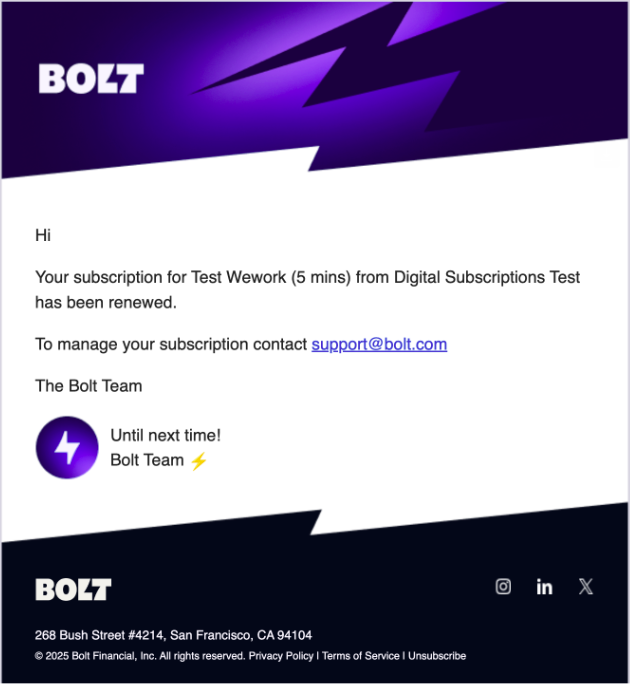
| Subscription renewed | A renewal is charged. |
| Payment failed | A renewal payment fails. Includes a link to update the payment method. |
| Subscription paused | The subscription is paused. |
| Cancel scheduled | The subscription is set to cancel at the end of the period. |
| Upgraded | The subscription moves to a higher plan. |
| Downgrade scheduled | A downgrade is scheduled for the next renewal. |
| Plan change revoked | A scheduled plan change is revoked. |
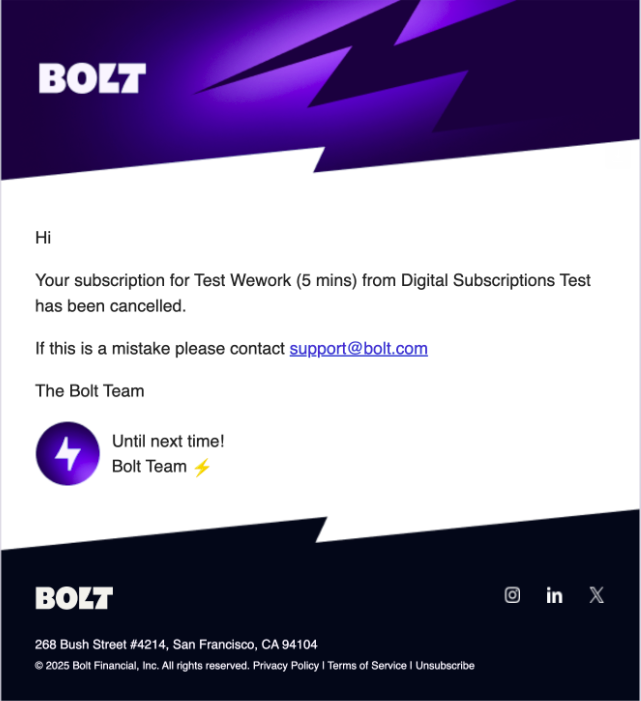
| Subscription canceled | The subscription is canceled. |
| Canceled after payment failure | Every retry failed and the subscription is canceled. |
Examples of some of these emails follow.
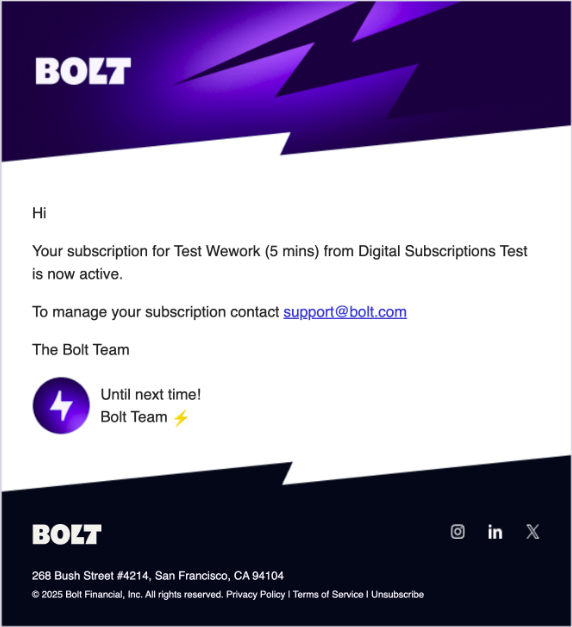
Subscription created email
Subscription renew email
Subscription payment update email
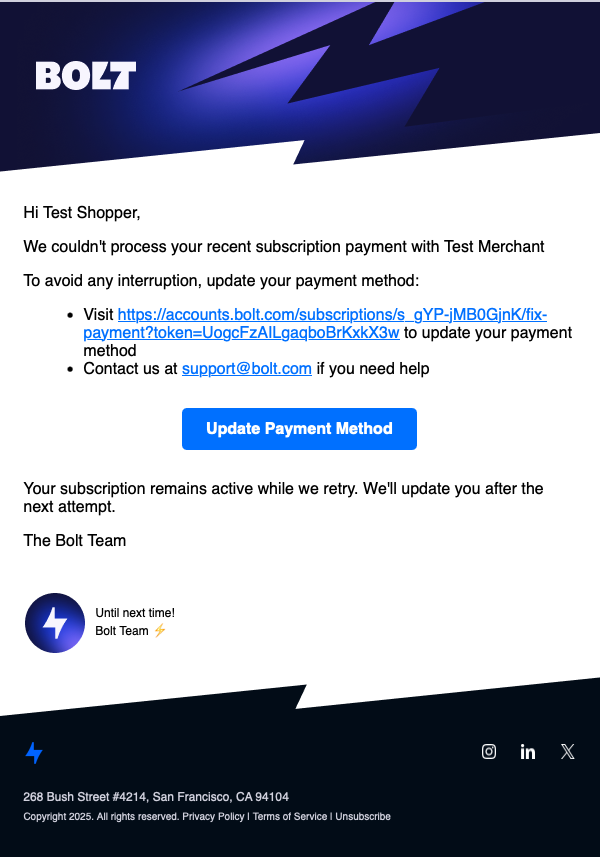
When a shopper updates their payment method using the link in this email, Bolt retries the failed payment immediately.
Subscription cancel email