

Add shopper accounts to your checkout
Extend a working Embedded API integration with Bolt login and saved shopper details.
Start with the Embedded API quickstart to verify a guest payment. Account login, consent, and saved payment methods are additional integration work.
Plan the account flow
| Task | Integration reference |
|---|---|
| Prompt the shopper to sign in | Login modal |
| React to login, logout, and account checks | Frontend events |
| Exchange the login result on your server | Bolt OAuth |
| Retrieve and update authorized shopper data | Embeddable API v1 |
| Collect account-creation consent | Account checkbox |
| Add fields within your checkout | Payment fields |
Confirm the enabled API version and account features with Bolt. Use the v1 contracts for this documentation path; a v3 payload is not interchangeable with the v1 payment example.
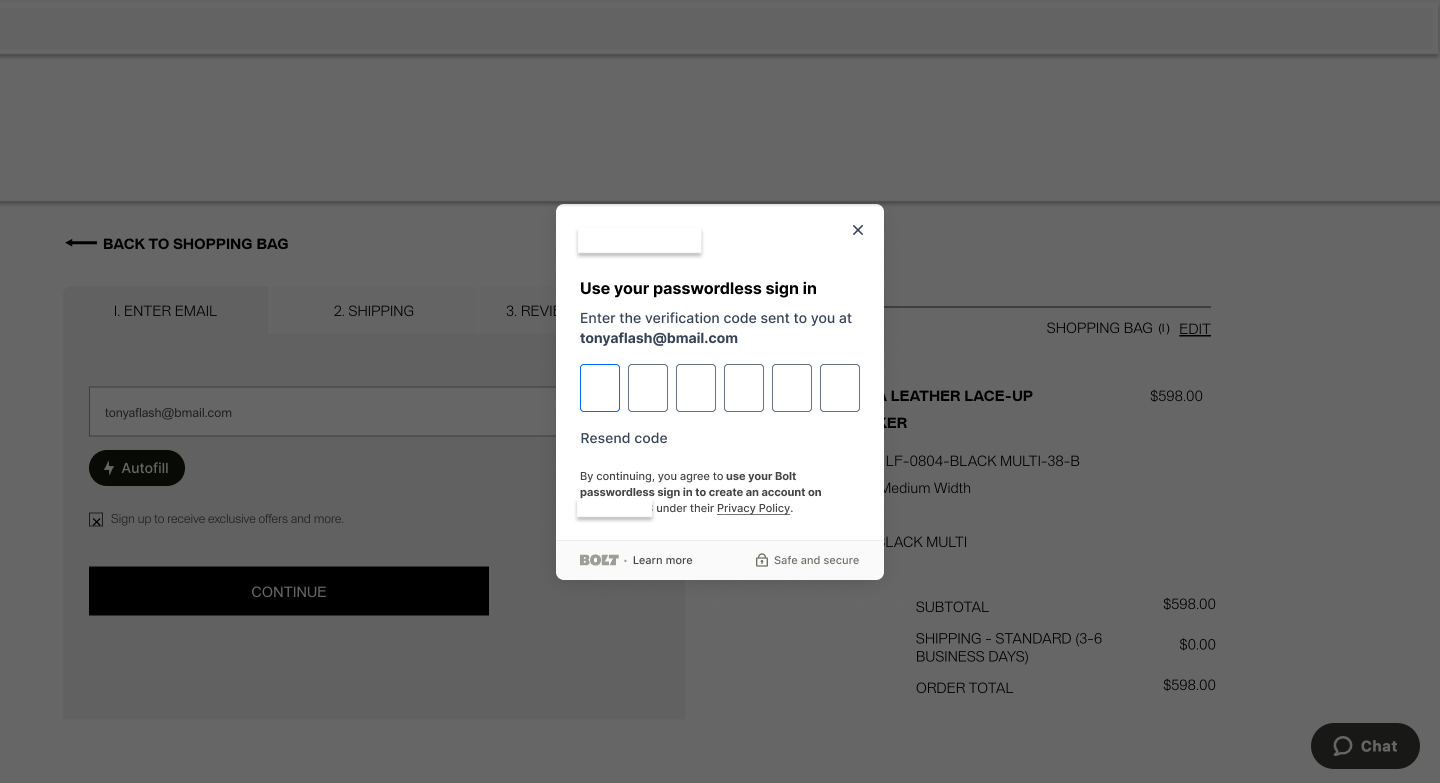
Keep account and payment state separate
- Exchange authorization codes on your backend and associate tokens with the correct shopper session.
- Obtain consent before creating an account or saving a card. The guest quickstart sets
create_bolt_account: falseandsave: false. - For payments made as a logged-in Bolt shopper, include that shopper's OAuth access token as required by the authorization API. Never reuse one shopper's token for another session.
- Continue to verify payment on your server; successful sign-in does not mean an order was paid.
Verify the extension
Add cases to your Embedded API test plan for existing/new shoppers, declined consent, expired sessions, login cancellation, saved-card selection, and logout. Verify that another shopper cannot access the previous shopper's data.