

Open a transaction
- Log in to the Merchant Dashboard.
- Go to Transactions.
- Select a transaction to open its details.
 The detail view includes customer and payment information, indemnification and risk data, transaction events, and an itemized receipt.
Search and filters
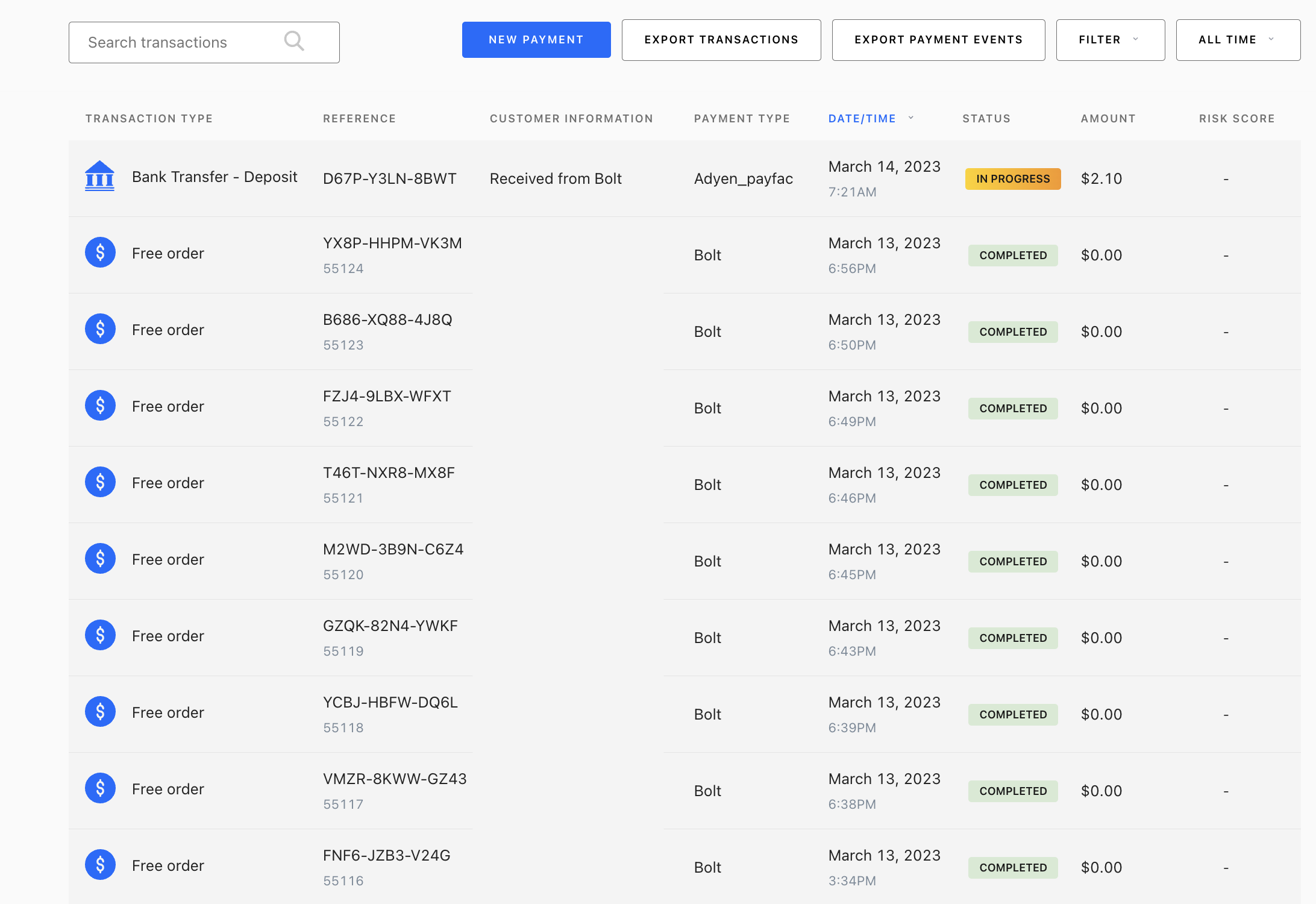
Use the search bar for customer name, order number, Bolt transaction ID, or customer email.Time ranges
Select Reset Filters to clear filters and time range.